top of page

Search


Fragmented Data Is Slowing Construction Down. Here’s How 3D Models Help!
Quick takeaways In Trimble’s 2026 survey of 1,800 contractors, technology integration, data sharing, and workforce challenges stood out as key areas for the year ahead. A 3D model gives every team a shared visual reference. A connected platform gets it to the people who need it. AI is most useful when it supports skilled people rather than replacing their judgment. The real challenge: information that doesn’t travel A construction project involves drawings, models, specificat
Oct 73 min read


Why Ergonomics Matters in Modern Architectural Design
Modern architecture is no longer defined solely by appearance. Today, designers are expected to create spaces that not only look visually compelling, but also feel intuitive, comfortable, and functional for the people using them every day. A beautifully designed environment can still feel uncomfortable to move through, difficult to use, or visually exhausting over time. This is where ergonomics plays an increasingly important role in architectural and interior design. As arch
May 204 min read


AI in SketchUp: What You Can Actually Do with it?
SketchUp AI introduces a set of tools designed to reduce the time spent on repetitive tasks and early-stage visualization. Rather than adding complexity, SketchUp AI works directly inside SketchUp, making it easier to explore ideas, generate 3D objects, and create quick visualizations without interrupting your process. Try SketchUp AI Anytime SketchUp AI is built directly into the existing toolbar and Default Tray, so there’s no need for additional setup or plugins, very acce
Apr 243 min read


Not Sure Which SketchUp Extensions to Use? Start With These
SketchUp is known for its intuitive modeling experience. But as projects become more detailed, even simple tasks, like editing materials, managing geometry, or refining forms, can start to take more time than expected. This is where extensions come in, helping you address common workflow bottlenecks in SketchUp. Rather than adding complexity, the right extensions help streamline repetitive processes, improve model quality, and support a more efficient workflow. With hundreds
Apr 12 min read


LayOut's Updates for Better Documentation
Keeping drawings aligned with your model shouldn’t feel like a constant fix. For many architects, interior designers, and AEC professionals, SketchUp is where ideas take shape. But turning those ideas into clear, reliable documentation is often where projects slow down. When drawings fall out of sync, last-minute edits pile up, and miscommunication leads to delays. That’s where LayOut comes in! SketchUp’s built-in tool for turning 3D models into professional 2D documentation,
Mar 192 min read


Buying SketchUp in Singapore
Why Many Professionals Choose Local Authorised SketchUp Resellers Need help choosing the right SketchUp plan? Talk to our team! Across Singapore’s architecture, engineering, construction, and design industries, digital modelling tools have become an essential part of daily workflows. From early concept development to client presentations and documentation, SketchUp is widely used by architects, interior designers, and consultants to communicate ideas quickly and clearly. Whil
Feb 12 min read


Bring existing buildings as 3D geometry directly into your SketchUp model
Use Add Location and access satellite imagery and terrain maps for real life data 3D building context with Add Location With the new 3D Buildings import function in Add Location, you can now pull existing buildings directly into your SketchUp model in just a few clicks. It’s seamless, accurate, and works across Desktop, iPad, and Web—no plugins, no guesswork, no relying on satellite images or site photos. But this isn’t just about dropping in geometry. It’s about gaining imme
Sep 18, 20252 min read


Turning houses into homes with bespoke furniture designed in SketchUp
Neville Johnson is a design firm from England specializing in bespoke furniture. For over 30 years, the Manchester-based firm has earned...
Aug 13, 20255 min read


Understanding SketchUp’s Scan Essentials
As a designer, you may often have to work with complex designs or existing structures that need precise measurements and detailed site...
Aug 6, 20253 min read


What is Connected Construction?
Imagine the typical construction company 10 years from now. What will day-to-day operations look like for its engineering and...
Jul 16, 20253 min read
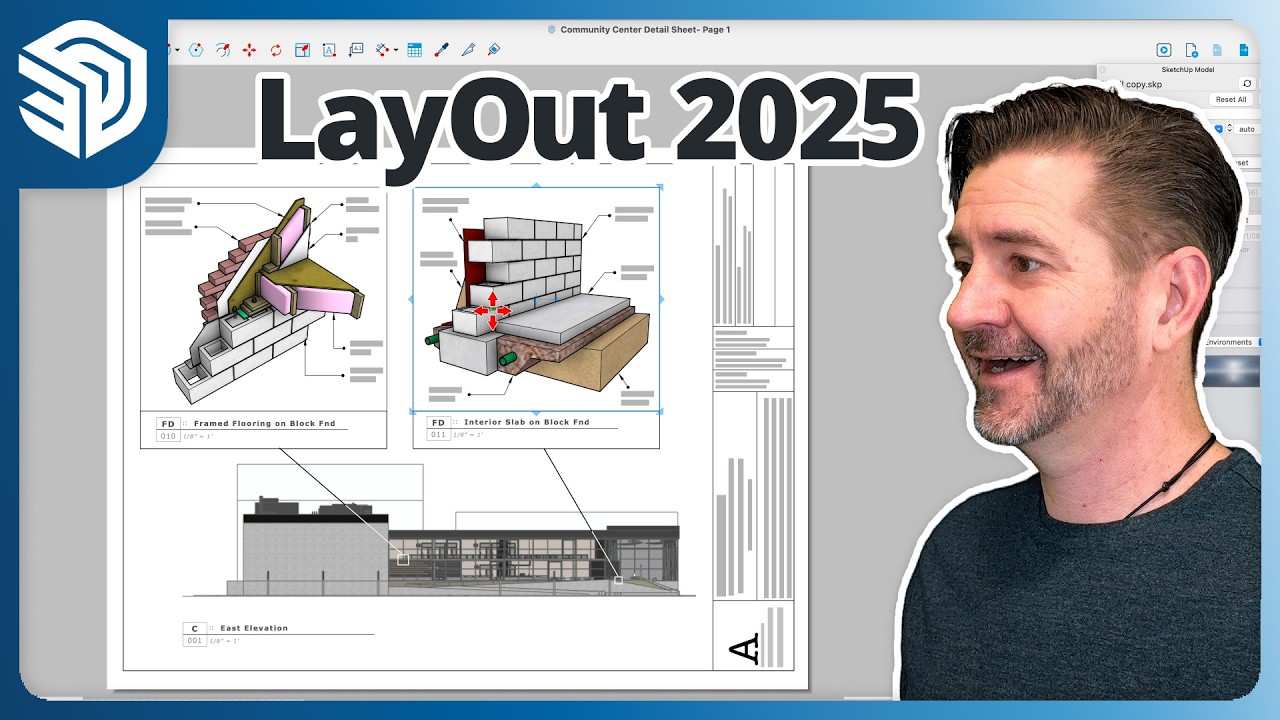
Sync SketchUp and Layout and Improve Accuracy
Unlock the full potential of SketchUp’s LayOut tool and supercharge your documentation workflow. LayOut bridges the gap between design...
Jun 26, 20253 min read


Build for the future: Designing Smart Buildings in the Age of AI
It is difficult or impossible to control many of the variables that affect building performance. Each building has variations in usage,...
Jun 9, 20253 min read


Connecting traditional Japanese architecture with the next generation
Sotaro Yoshikawa, who grew up watching his father, a master carpenter, talks about how he used SketchUp in an unprecedented project to...
May 26, 20255 min read


SketchUp + V-Ray 7: A match made in Studio
Need to produce high-quality visuals directly from your SketchUp models? SketchUp Studio users can access V-Ray directly to create...
May 20, 20256 min read

Level Up: Landscape Architecture
Explores various levels of tree detailing in SketchUp, from 2D to high-poly 3D models, and understand rendering differences to optimize...
May 15, 20252 min read


LayOut 2025: Smarter, sharper and more seamless 2D Documentation
LayOut 2025 delivers a major step forward in usability, editing power, and visual fidelity—bringing 2D documentation even closer to the...
May 8, 20252 min read
SketchUp 2025: What's New?
Real-time, realistic visuals inside SketchUp This new SketchUp release takes another step forward in helping creative professionals effortlessly bring their visions to life. It offers enhanced visualization tools and seamless workflows that help you and your team create in SketchUp. Experience upgraded transitions in and out of SketchUp with the latest IFC improvements. Keep your data intact and your workflow smooth, minimizing the risk of data loss and manual rework while in
Apr 30, 20254 min read


Model on point clouds in 3D and document in 2D
With Scan Essentials, you can import, view, and model from 3D scan data directly in SketchUp — in a matter of minutes. Keeping...
Apr 23, 20252 min read


PreDesign for SketchUp
Sustainable architecture and energy efficiency design for buildings can be challenging because i n traditional workflows, environmental...
Apr 8, 20252 min read


Scan-to-Design with SketchUp
Scan-to-Design uses LiDAR scanning in SketchUp for iPad to generate 3D models of existing spaces using the following 3D outputs: Canvas...
Mar 26, 20253 min read
bottom of page